Guide & Help
Everything you need to know about using the IT Tender platform.
About the platform
IT Tender is a platform for running IT tenders in Tajikistan. Organizations post requirements, IT companies submit proposals and publish ready-made solutions.
Three roles: Organizer (creates tenders), IT company (submits applications and lists solutions), Administrator (moderation and management).
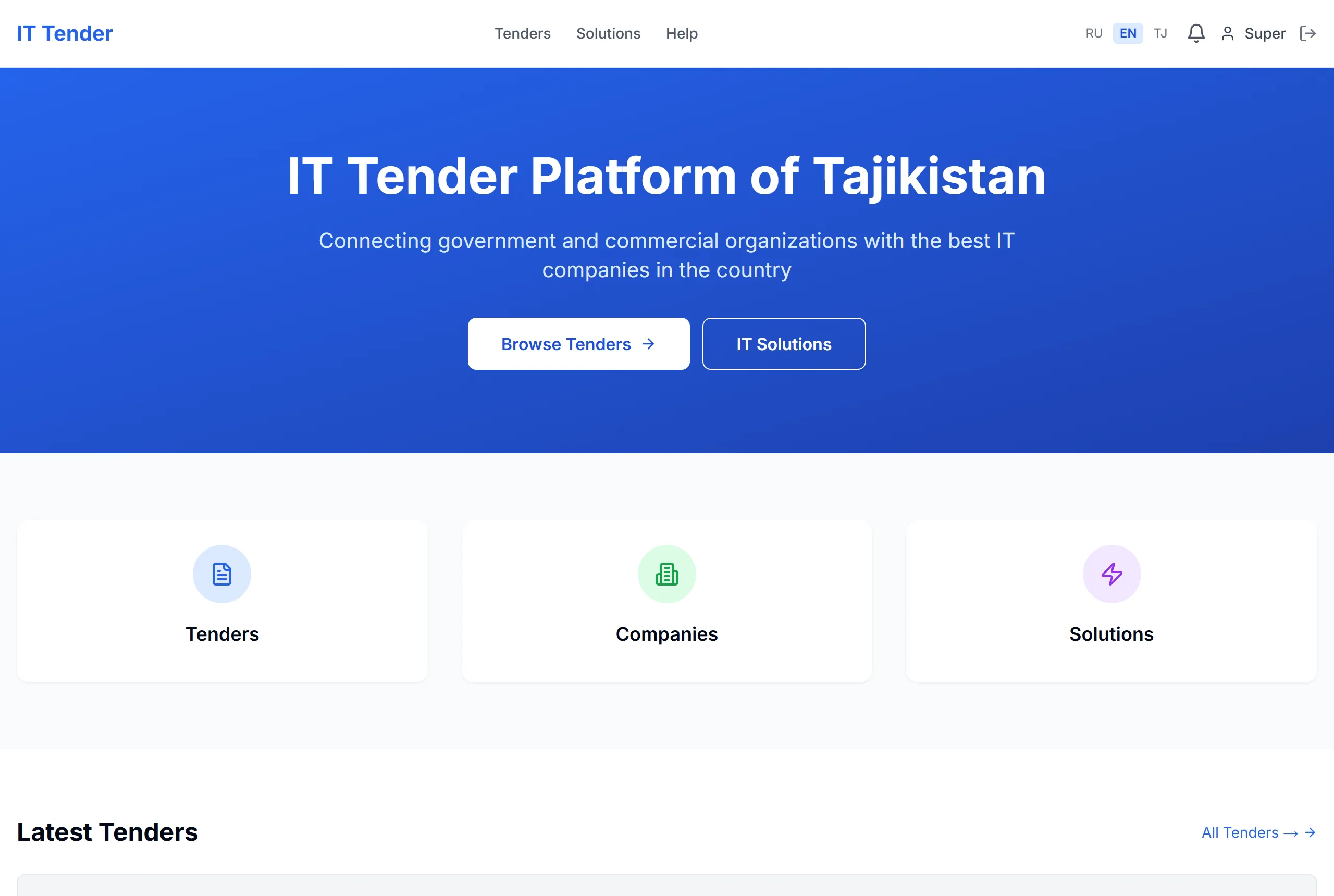
The interface is available in Russian, English and Tajik — switch in the top bar.
What's new
Refreshed interface. The platform has a new modern design across the homepage, the tender and solution catalogues, the dashboard and the admin panel — cleaner, faster and easier to use.
Three languages. The interface is available in Tajik, Russian and English. The Тоҷ · Рус · Eng switcher sits at the top‑right of the header; the chosen language is reflected in the page URL.
NBT currency rates. The homepage now shows a widget with live exchange rates (USD, EUR, RUB, CNY, KZT) from the National Bank of Tajikistan — refreshed automatically.
Registration
Two account types are available:
- Organizer — phone, SMS verification, name, email and password.
- IT company — also company details (name, tax ID, contacts) and required documents.
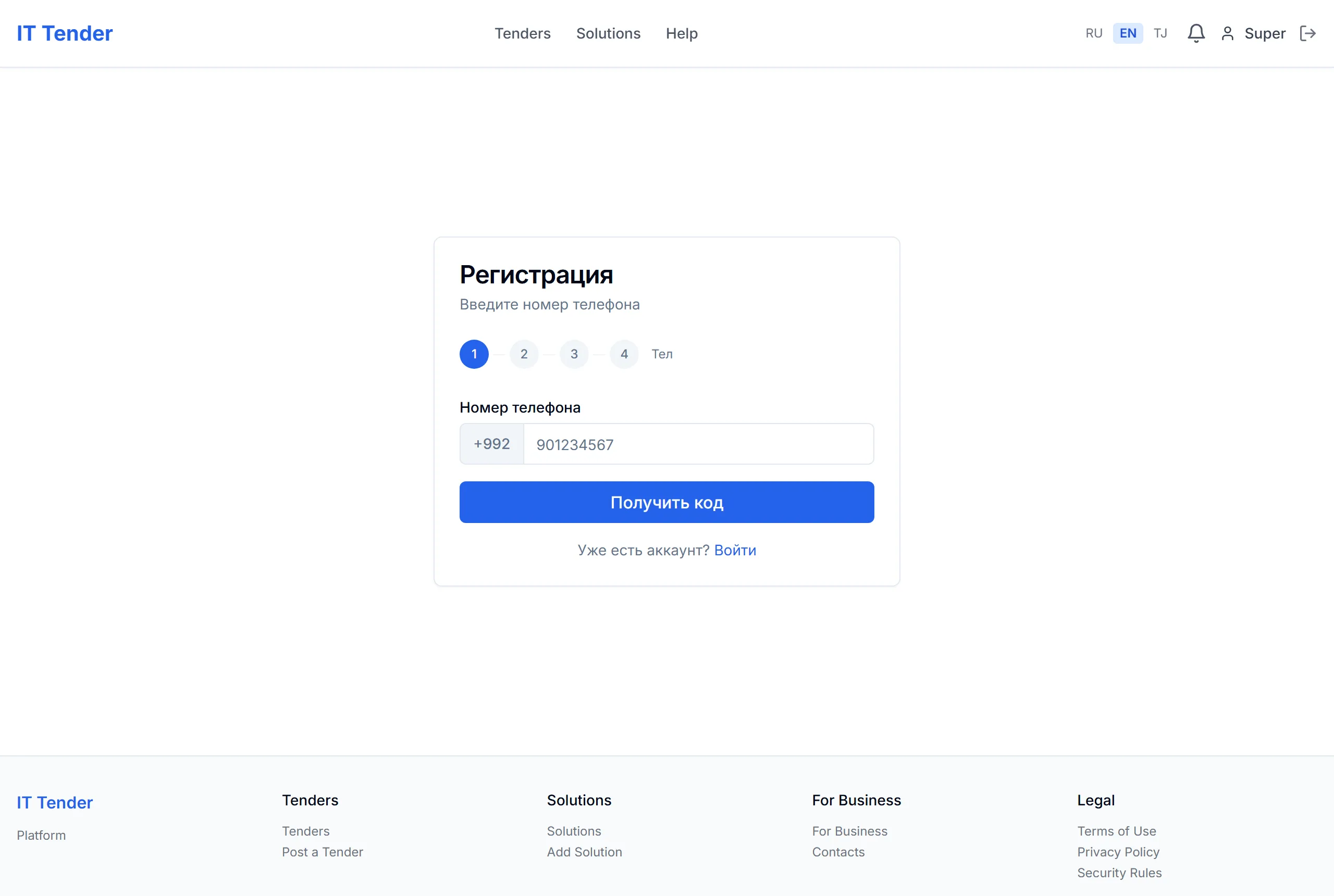
Registration is step-by-step: phone → SMS code → role → profile; an IT company additionally fills in company details and uploads documents. An IT company must attach two documents — a company register extract and a registration certificate; after submission the company goes to admin verification.
Enter the phone without the +992 prefix — just the 9 digits. The 6-digit code is valid for 10 minutes. Password: at least 8 characters, mixed case and a digit.
Login & recovery
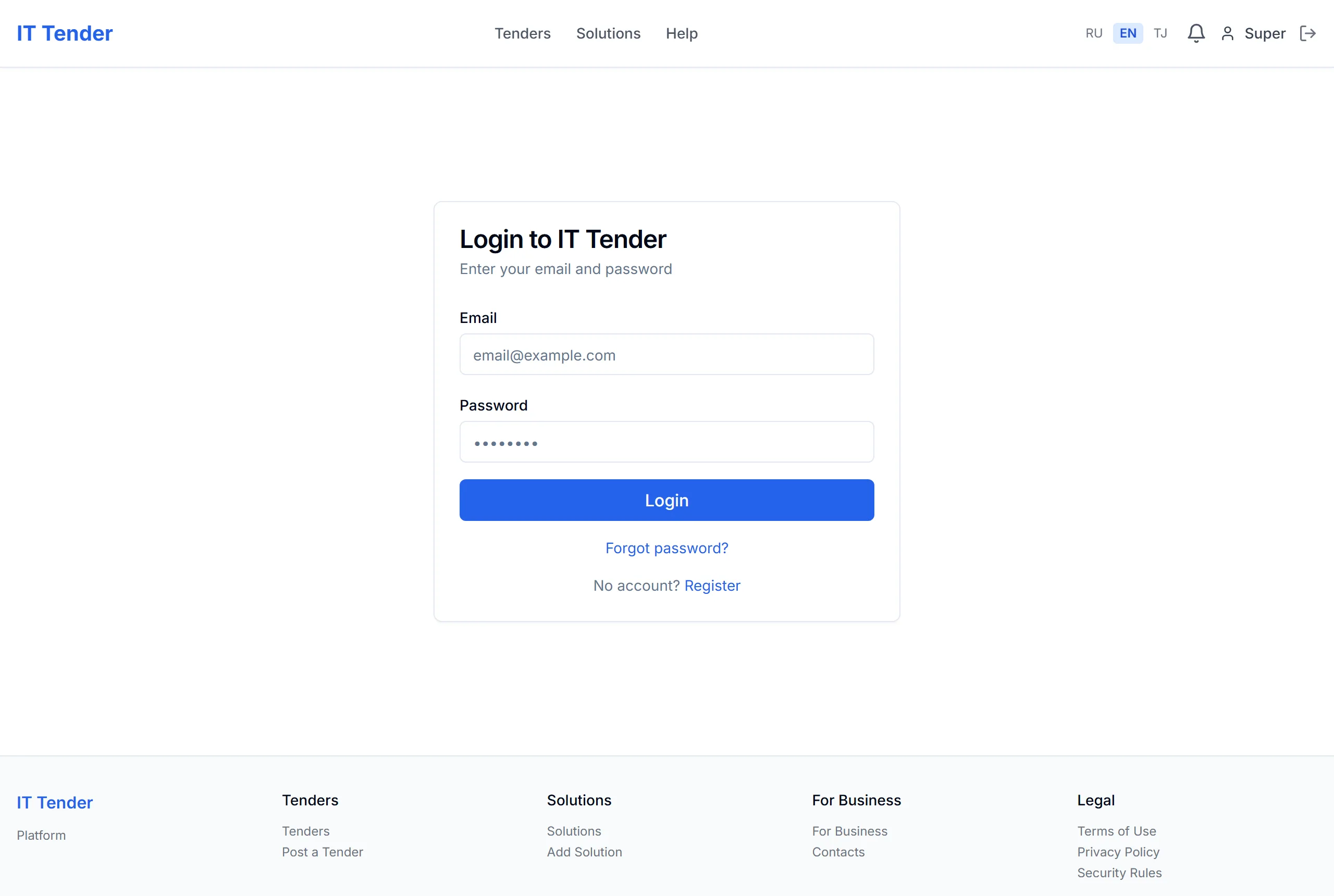
Sign in with email and password.
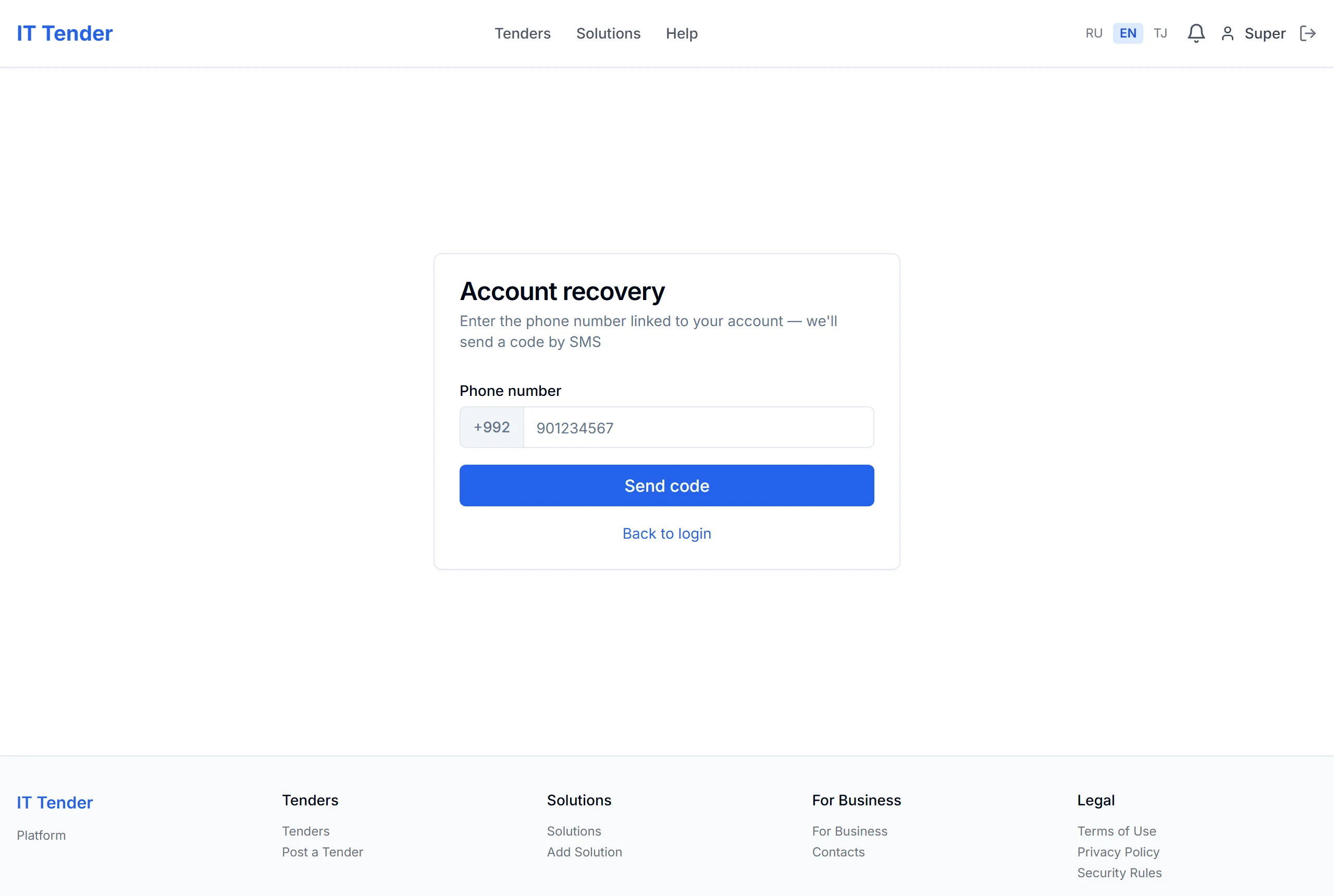
Forgot your password? Click “Forgot password?” — recovery via SMS: enter phone → get a code → set a new password.
Roles & access
Available sections depend on your role:
- Organizer: “My tenders”, chat, notifications, settings.
- IT company: “My applications”, “My solutions”, “Company”, chat, notifications, settings.
- Administrator: the whole dashboard + the “Administration” section.
Open the dashboard via the button with your name in the top bar.
Tenders (for organizers)
To post a tender: Dashboard → My tenders → Create.
- Title, description and spec, category, region, currency.
- Budget (from/to), format (online/offline/hybrid), submission deadline.
- A list of required documents — each can be marked mandatory.
- Evaluation criteria with % weights and, optionally, a demo-access requirement.
- Tender files (spec, attachments): PDF, Word, Excel, images — up to 20 MB each.
Lifecycle: draft → moderation → published → closed. Once a moderator approves it, the tender goes public. You review applications, chat with bidders and pick a winner when closing it.
Applications (for IT companies)
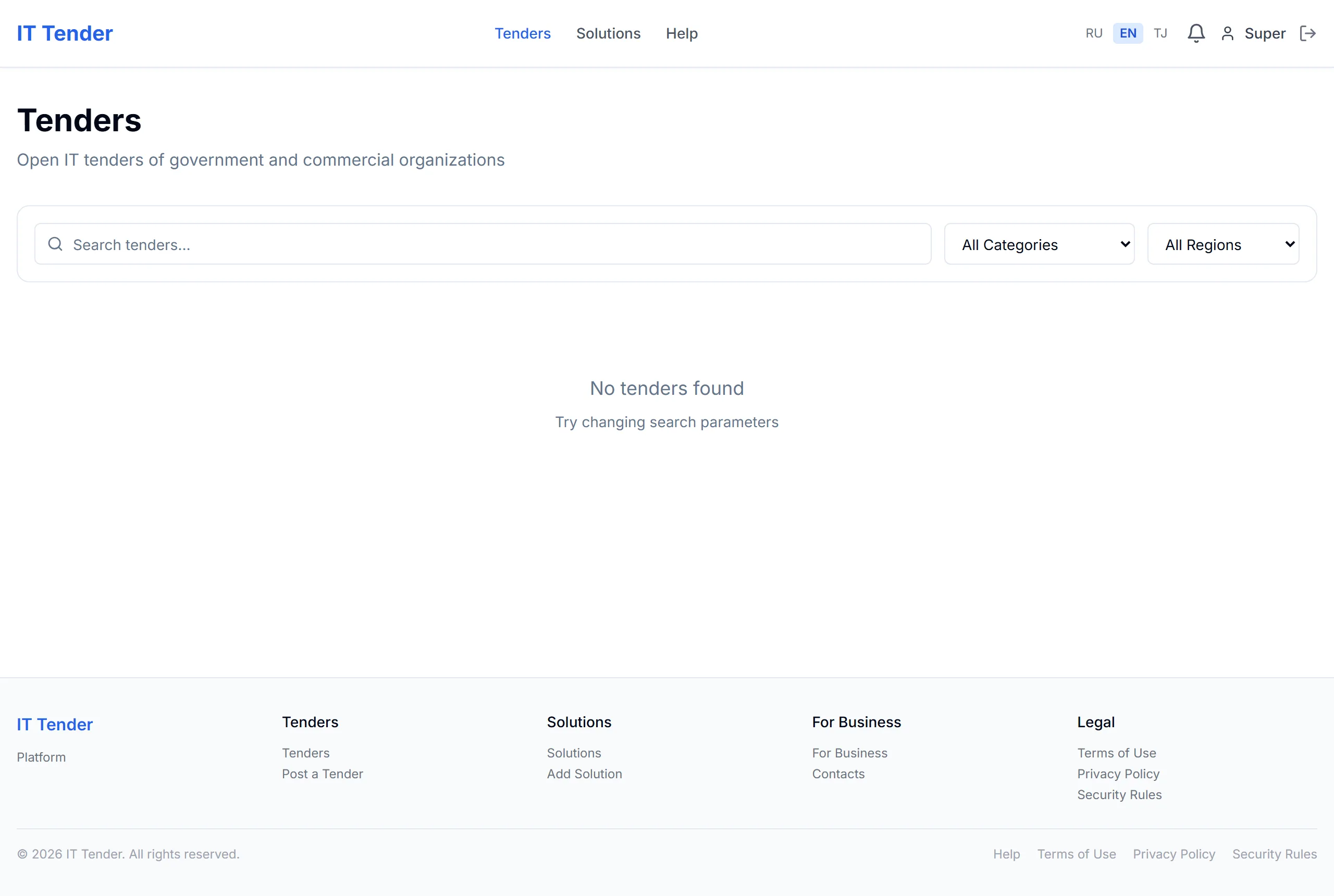
Find a tender in the “Tenders” catalog and click “Apply” (IT companies only).
- Describe the solution, state the price and timeline.
- Attach the required documents — you can reuse your company's existing documents.
- One company submits one application per tender; applying closes after the deadline.
- Track the status under “My applications”.
Statuses: submitted, questions, under review, accepted, rejected. You get notified on changes, and discussion with the organizer happens in the per-application chat.
IT solutions
IT companies publish products and services: Dashboard → My solutions → Add.
- Title, description, category, model (SaaS, On-Premise, services, marketplace), website.
- Lifecycle: draft → moderation → published.
The “IT solutions” catalog is a showcase of products, not a list of companies: a company appears in the catalog through its published solutions. You can filter by category and model.
Company & verification
The “Company” section (for IT companies):
- Profile: name, tax ID, industries, region, contacts, website, logo.
- Documents — upload and submit for verification.
- Members with owner / manager / member roles, ownership transfer and join-request handling.
Verification statuses: unverified, pending, verified, rejected. The “Verified” badge increases trust and shows on the public profile.
Chat & notifications
Chat — real-time conversation between organizer and IT company within a specific tender or application.
Notifications arrive over three channels — in-app, Telegram and email — about new tenders, application statuses, messages, deadlines and moderation results. The unread counter is on the bell in the top bar.
Channels and “quiet hours” are configured under “Settings”, where you also connect Telegram.
Dashboard & settings
In “Settings” you can: edit the profile and email, choose the language, configure notifications and quiet hours, link/unlink Telegram.

Administration
Administrators only:
- Overview — statistics.
- Moderation — review tenders, solutions, companies.
- Users — search, blocking, roles.
- References — categories, tags, industries, regions, currencies, document types.
- Audit — action log.
- SMS settings — provider, test send, delivery status.


Security
How the platform protects accounts. Your session is stored in a secure httpOnly cookie — the token is never exposed to browser scripts. SMS codes are single-use, valid for 10 minutes, with a limited number of attempts (brute-force protection). Passwords are stored only as a hash; a minimum of 8 characters with mixed case and a digit is required.
What's up to you:
- Use a strong password and never share access with others.
- Never reveal SMS codes — staff will never ask for them.
- Log out on shared devices.
- If you notice suspicious activity — reset the password via “Forgot password?”.
FAQ
SMS doesn’t arrive. Check the number (9 digits after +992), wait a minute and request the code again.
Tender/solution not visible. Content is published after moderation.
Can’t submit an application. Submission is for IT companies; the tender must be open.
Forgot password. Use “Forgot password?” on the login page — SMS recovery.
Support
Didn’t find an answer? See the terms, privacy policy and security rules.
For everything else — contact IT Tender support.